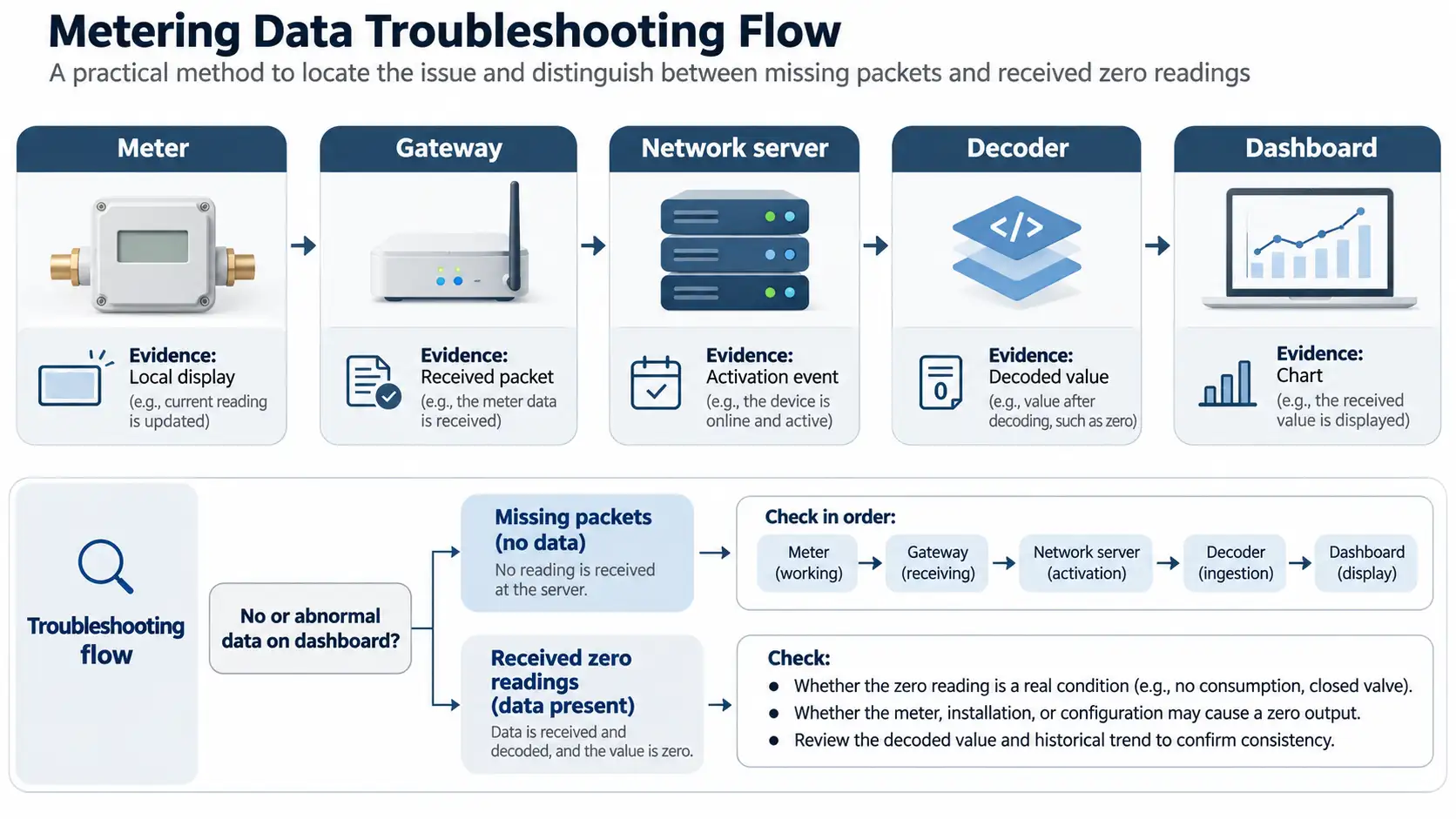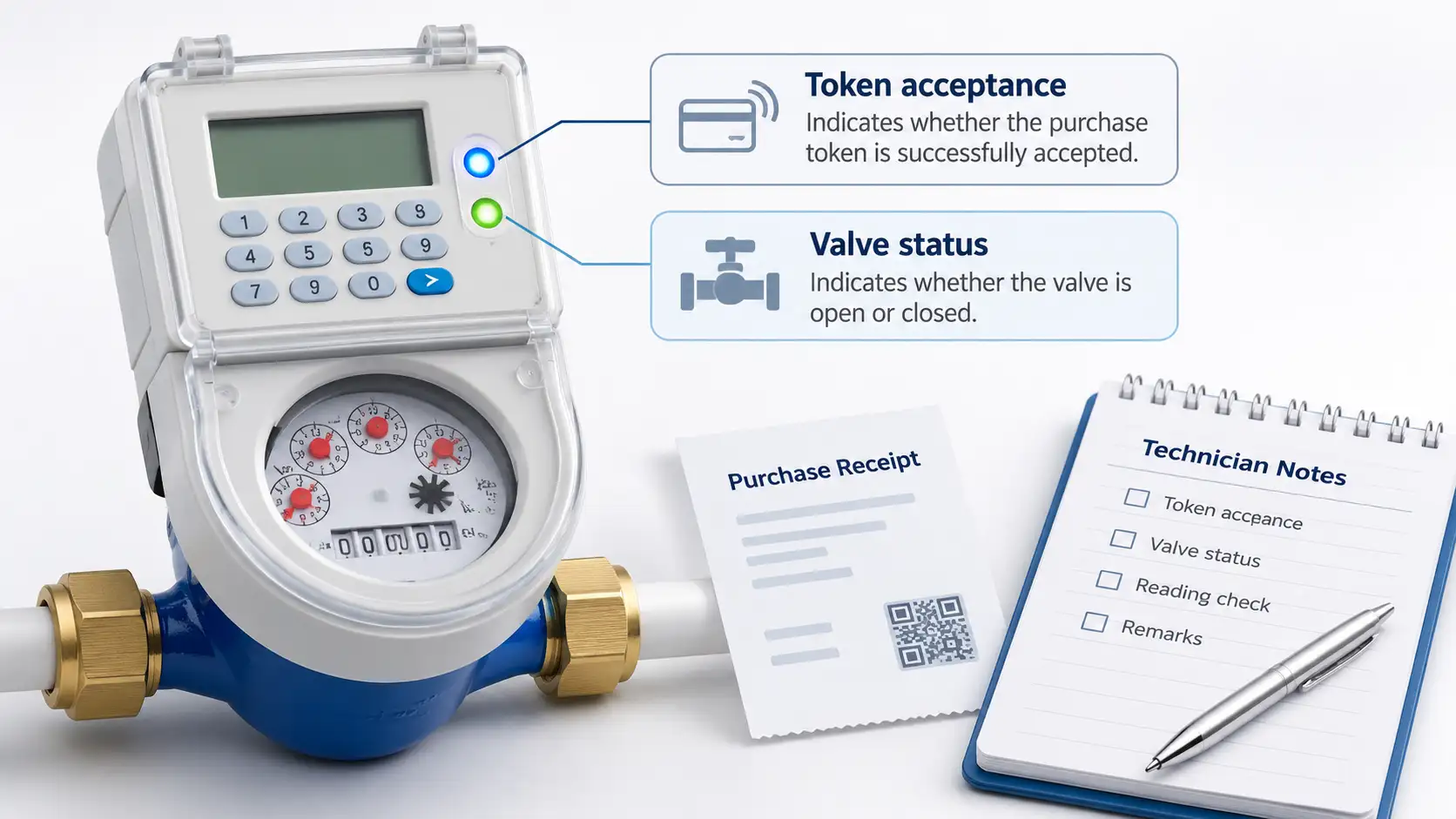


The tap is dry, but did the meter actually reject the recharge? That is the first distinction to make with an STS prepaid water meter token not working. A rejected token needs checks on entry, meter identity and vending. An accepted token with an increased balance leads instead to the valve, alarms or incoming water supply.
Hold off on buying a second token while checking the first. Put the purchase receipt and meter number in the same support message as a photograph of the display. The person at the other end can then compare the transaction with the physical unit, without another exchange just to establish which meter is involved.

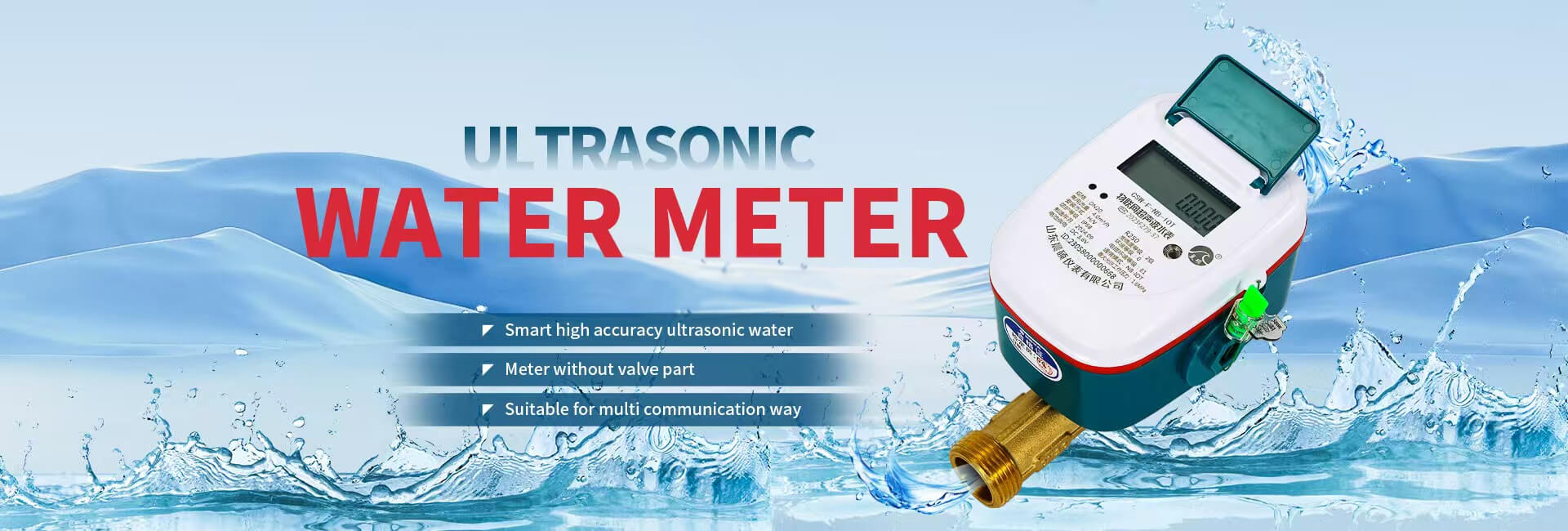
Identify the installed model and how tokens reach it. Chenshuo’s STS prepaid water meters include mechanical and ultrasonic versions. The XT815 series supports 20-digit tokens and motorized valve control. Use the instructions issued for that unit, including its firmware version. This is where the meaning of the displayed response should be checked.
Some installations use a separate customer interface unit. There, the keypad must deliver the token to the meter, so a communication failure can occur before token validation even begins. Pairing checks are relevant only where that separate unit is actually fitted. Instructions for an electricity meter connected through a wall socket should not be transferred to a water meter simply because both accept STS tokens.
| What happened | First check | Who should investigate next |
| Payment completed but no token arrived | Transaction status and receipt | Approved vending provider |
| Meter rejected the entered token | Digits and registered meter number | Vending operator if both match |
| Meter reports used or duplicate | Current credit and previous loading | Operator reviewing transaction history |
| Keypad cannot communicate | Approved keypad connection procedure | Installer or service technician |
| Token accepted but no water flows | Balance, valve indication, and supply | Operator or qualified technician |
Keep the exact display in the fault record. Calling it a battery error, for example, can narrow the investigation too soon if that interpretation came from a different manufacturer’s code list. Include the whole display in the photograph so any other icons remain visible.
Start in the purchase history. A pending order, a failed order and a completed order with no delivered code need different follow-up. Give the vending provider the original reference and ask them to trace it. There is little value in entering numbers at the meter until there is a usable recharge token to enter.
Next, check which meter the purchase was intended for. A saved beneficiary may still refer to an old unit after a replacement. Property handovers and account migrations are other occasions to recheck the mapping. Ask the operator to confirm the installation identifier on the receipt before changing the saved account details.
Read the original recharge message beside the entered digits. At the boundary between two groups, check for a missing or repeated digit. Confirm which number in the message is actually the recharge token; the payment reference serves a different purpose. Then use the approved procedure to clear the entry and make one careful retry. Preserve the next response if it still fails.
A credit token is intended for its assigned meter and cannot provide the same credit repeatedly. A used response calls for a look at the loading history. At a managed property, find out whether the caretaker or another responsible person already loaded the receipt before it reached the current user. Look at the balance and the available recharge record together.
There is a timing issue to allow for. Comparing today’s balance with yesterday’s purchase leaves out the water used in between. Give the operator the purchase time and the actual loading time if the figures do not add up after allowing for consumption. Entering the used token again cannot explain the difference.
Old refers to a token-validation result. STS uses a token identifier as part of validation and protection against reuse; the displayed word does not supply a general expiry period in days. Interpreting it requires the purchase history and meter configuration. Mention any earlier unused purchases and any key-change work; both are more useful than assuming a fixed expiry period.
A legacy installation may also need its migration record checked. The STS token-identifier rollover took place on 24 November 2024. For a unit still in service, its migration record needs to be compared with the vending settings in use now. Age is a reason to look for that record, not enough evidence to blame rollover.
An invalid or rejected response can remain after the digits and meter number are correct. Once the entry has been checked, take the unchanged token and the rejection response back to the vending operator. Their administrator can compare what was issued with the unit’s security configuration. That includes supply group and key revision, which are not things a customer can establish by repeatedly retyping the code.

An operator may issue several codes as part of a key change. That operation updates security settings rather than purchasing water. Work from the issued sequence, marking down each response as the codes are entered. Keep instructions from another property out of the process; the required sequence may differ.
Chenshuo XT815 displays distinguish token acceptance, previously used tokens, tokens outside the valid range, and staged key-change acceptance. A sequence that stops halfway is useful information. Report where it stopped, including the last acceptance message and the response immediately afterward, so the operator does not have to reconstruct the order from memory.
A demonstration code belongs to the procedure being demonstrated. Without its context, the viewer may not know that the operation changes a setting or clears credit. It has no place in a trial-and-error repair. The provider responsible for this meter must specify the operation and keep its transaction record.
Once the balance has increased, entering the token again adds little to the investigation. Is the valve shown as open or closed? Is there a battery warning? Are neighboring connections dry too? Those observations help separate a meter problem from a supply outage. Accessible isolation valves can be checked against their approved positions, without forcing or dismantling anything.
The XT815-M mechanical prepaid water meter detects strong magnetic interference and can close its valve as a protective response. Remove the interference source, then use the authorized error-clearing token procedure. In that situation, the account can have credit and the valve can remain closed until the protective condition is cleared.
Low voltage, a sticking valve, or a connection fault can also require service. XT815 meters monitor battery voltage and valve status. Have the qualified technician arrange the valve test with the site operator before starting. The operating procedure determines the test, and the building’s users need notice of any interruption.
For an XT815-U ultrasonic prepaid water meter, air or an empty measuring tube can suspend measurement. Here the measurement conditions need attention. Have qualified personnel check whether the tube is full and whether venting or installation needs correction. An air pocket remains an air pocket after another credit purchase.
After the approved correction, confirm token acceptance and reconcile the resulting credit with the issued purchase. Verify the valve indication and a controlled water draw where permitted. Check that the local cumulative reading changes normally and that no unresolved alarm remains. A disappearing error message alone is an incomplete handover.
For connected installations, verify the later platform update separately. Local token acceptance and remote reporting are different events. When the portal lags behind, send the time of local acceptance and the timestamp of the last remote update. The operator can then investigate the reporting delay without assuming the recharge needs repeating.
When escalating, send the evidence together: model and meter identifier, purchase reference, entry time, display photograph and balance. Add the valve indication and the checks already tried. Chenshuo users can request model-specific troubleshooting assistance through the supplier, keeping transaction details in the approved support channel.
A normal credit token belongs to the meter for which it was issued. For a purchase made against the wrong number, the receipt needs to go back to the vending provider for resolution. Trying it on a neighboring unit will not transfer the credit.
Keep the first purchase open for investigation. Buying again leaves a wrong meter mapping, broken keypad connection or security mismatch unchanged. The operator needs to identify which problem is present.
The meter has recorded that token as processed. Ask the operator to reconcile the loading history and balance, including water used afterward. A used message alone does not establish that credit is missing.
The operator needs the installed model and its response before prescribing a reset. A code taken from another meter’s instructions may perform a different operation, so there is no universal code to recommend here.
Follow the water path after checking the credited balance. The valve indication and alarms may point to the meter; an interruption affecting nearby properties points toward the incoming supply. Neither problem is repaired by loading the same token again.
 Address: Xiao'anzi Industrial Park, Baishabu Town, Lanshan District, Linyi City, Shandong Province
 Call us now:+86 15562945993
 Email:info@sdchenshuo.cn


Shandong Chenshuo Instrument Co., Ltd.