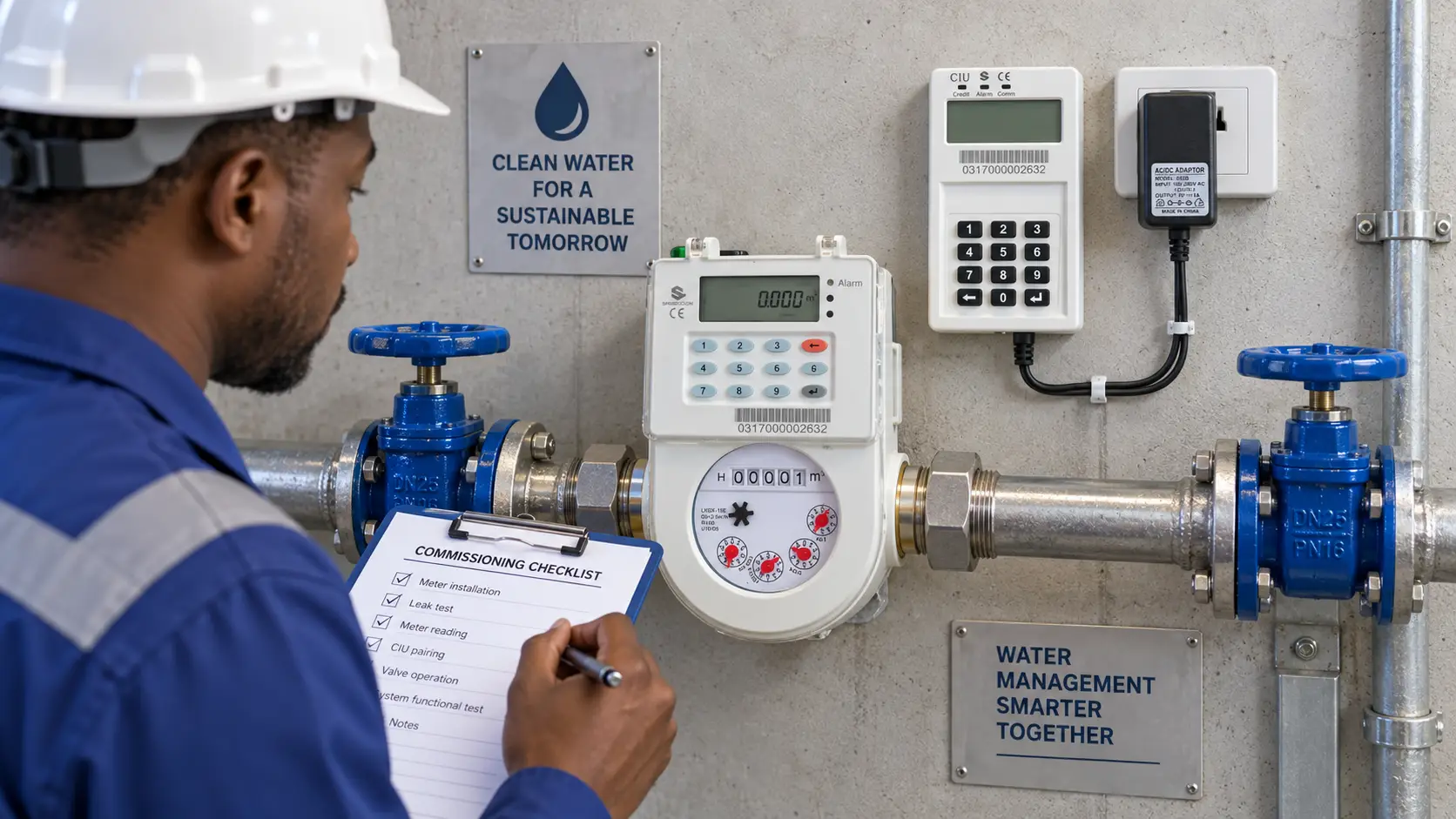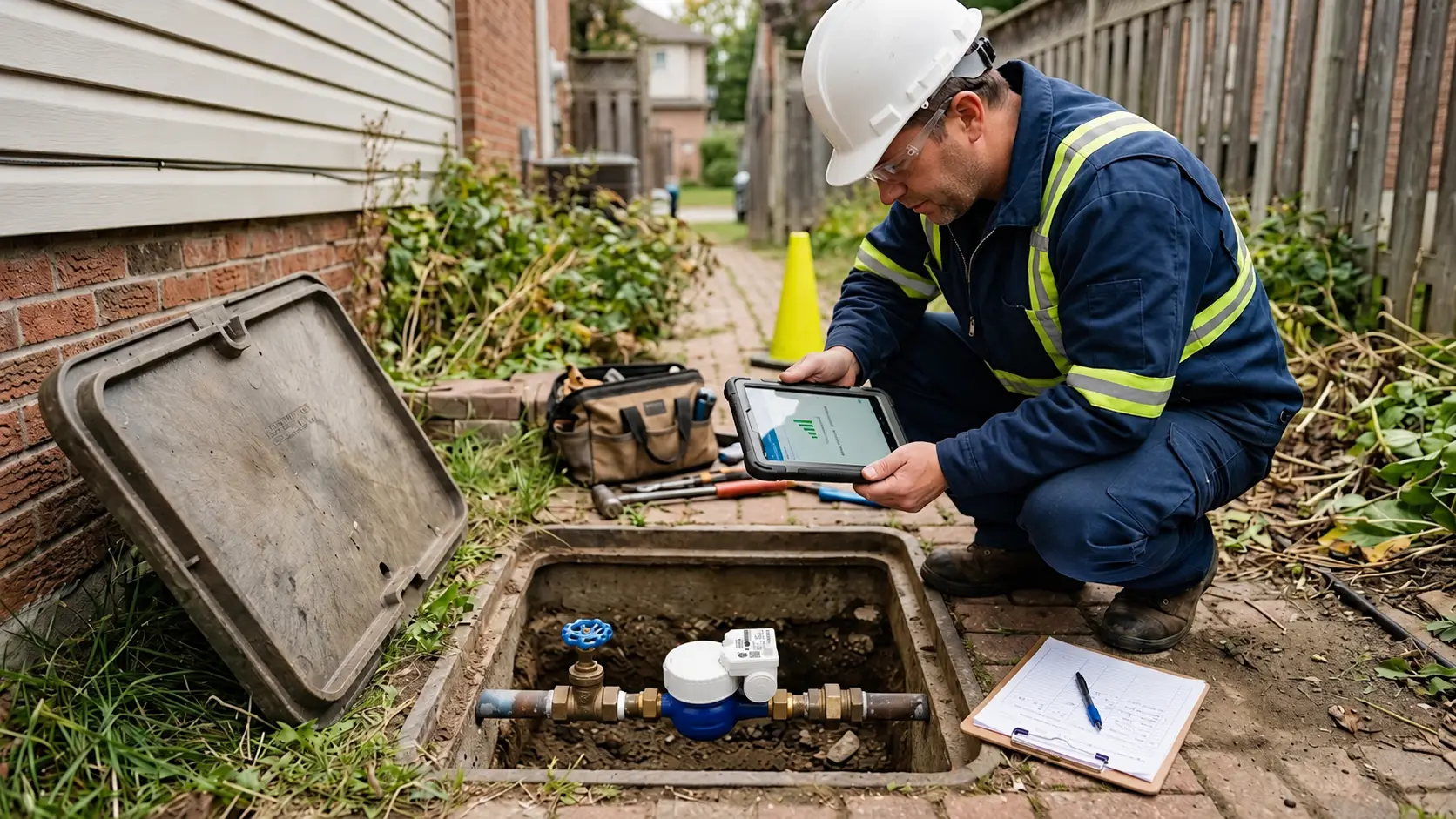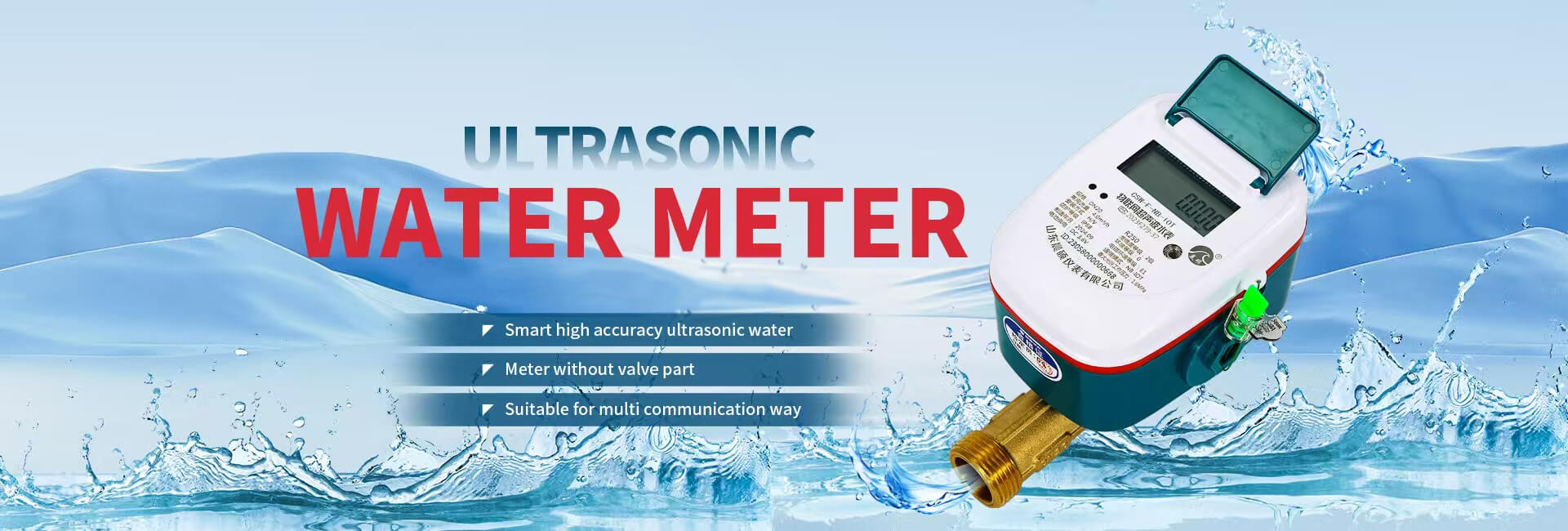


An STS prepaid water meter commissioning checklist should prove five things before handover: correct installation, reliable measurement, successful token recharge, controlled valve operation, and traceable records. Test these in sequence. A token accepted on the display does not establish that water flows correctly, and a successful remote read does not establish that the valve closes.
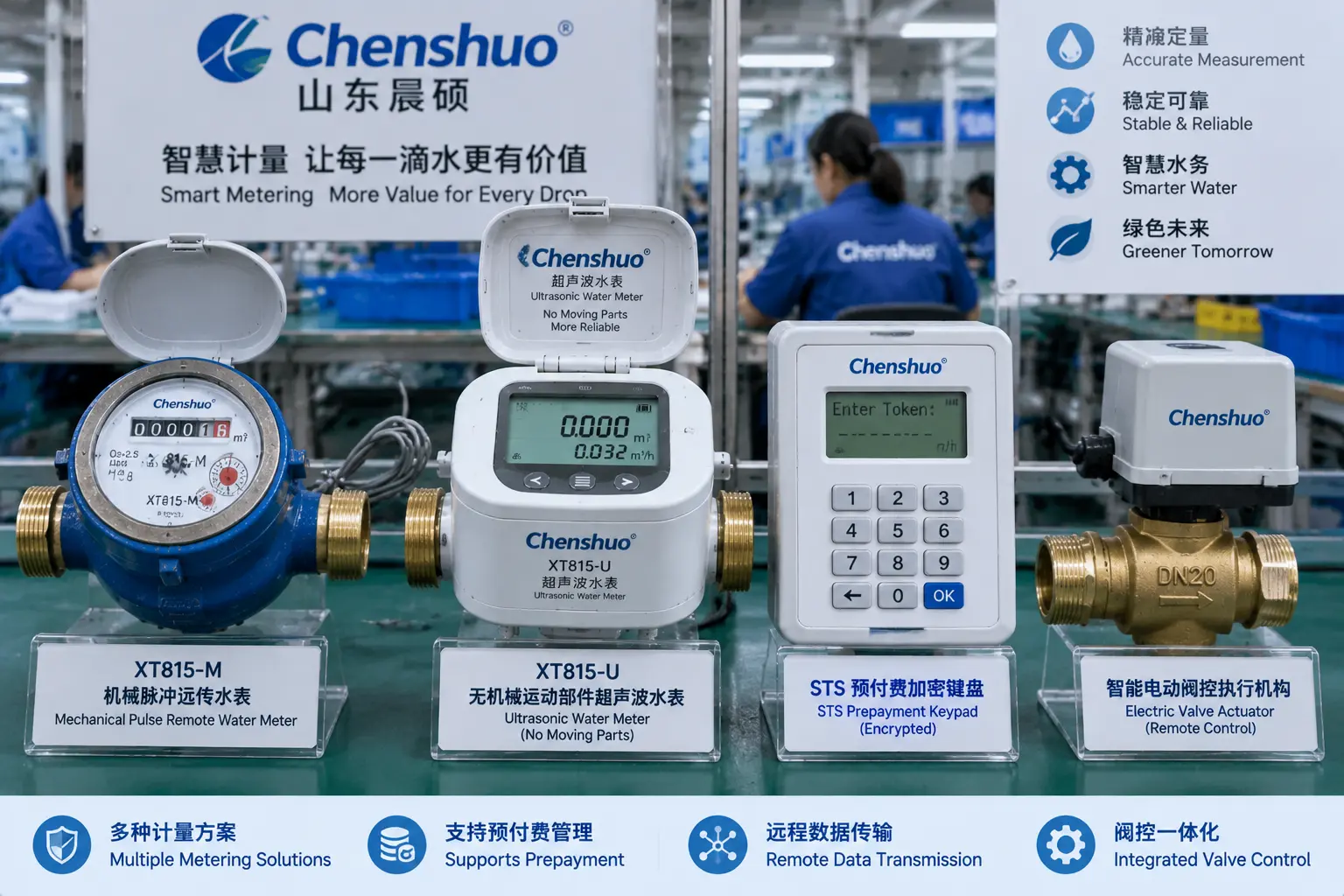
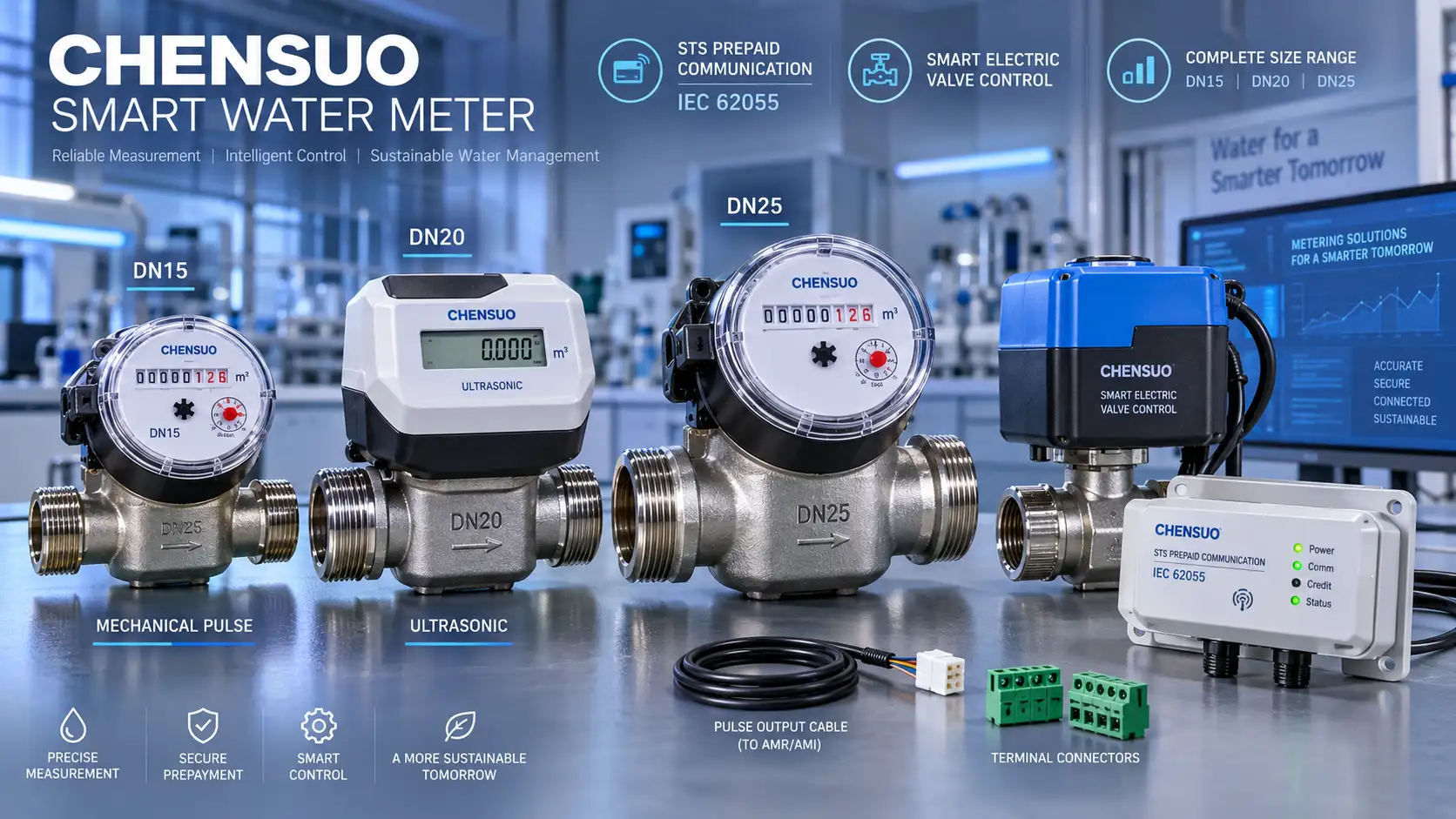
This guide uses Chenshuo XT815 meters as practical examples. The XT815-U ultrasonic prepaid water meter uses ultrasonic measurement; XT815-M uses mechanical pulse measurement. Both support 20-digit STS tokens and motorized valve control. Apply the procedure to the confirmed model and firmware, and agree on acceptance criteria with the operator before testing.
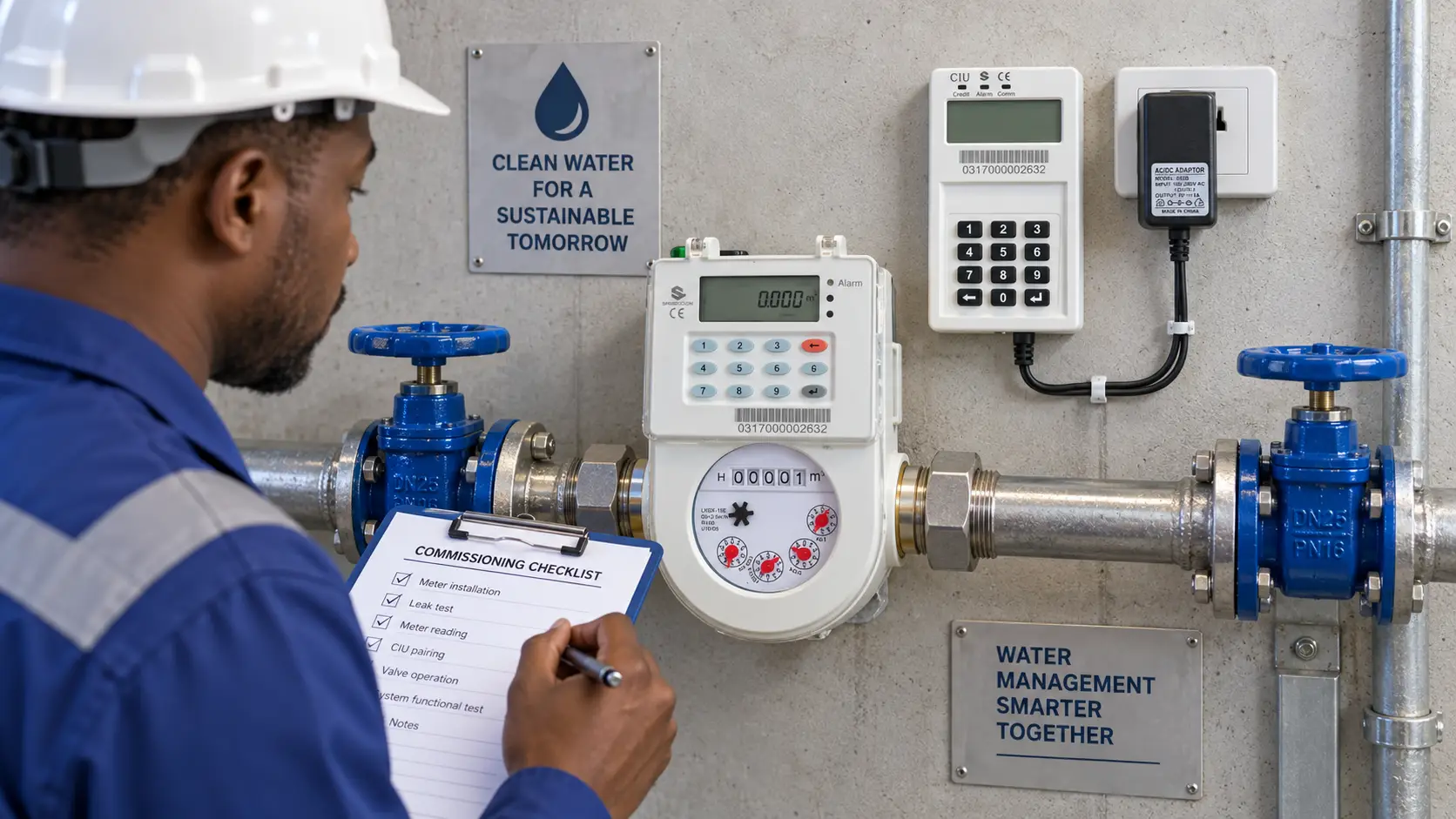
Create a record linking the meter serial number to the customer account, service address, model, nominal diameter, firmware, and communication option. Check that the physical meter and vending-system entry match. Resolve discrepancies in the asset system before issuing a test token; editing only the paper checklist leaves the underlying identity problem unresolved.
Record the opening register, credit balance, meter time, and valve state. Confirm whether credit is represented as money or water volume, and document any tariff conversion or deduction that affects the expected recharge result. Keep the approved installation drawing, operating instructions, and escalation contacts available to the technician performing acceptance.
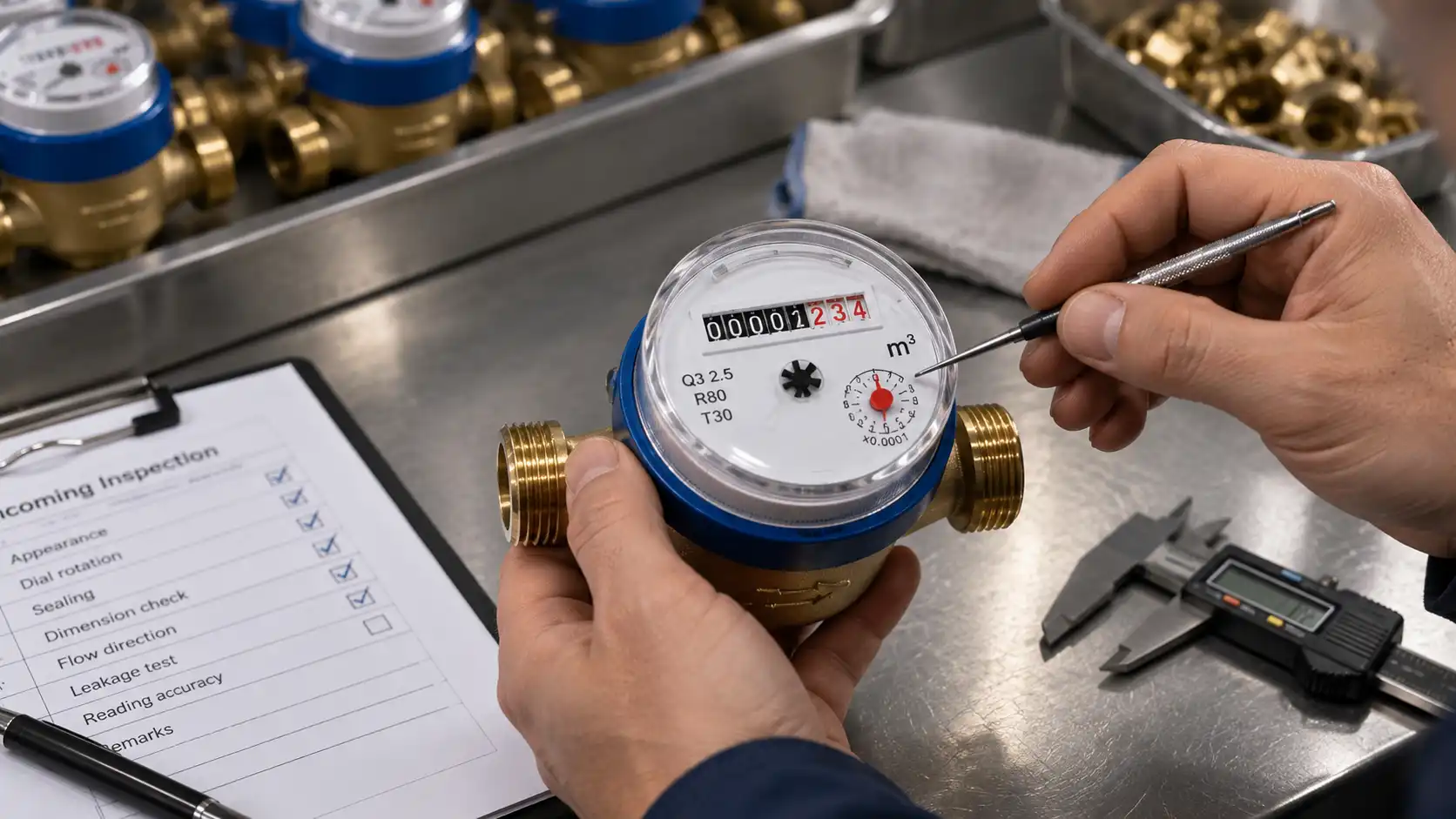
Check that the pipe was flushed before installation and that the flow arrow follows the water direction. XT815 installation requires upstream and downstream shut-off valves and at least 30 cm of operating space. Check the seals, joints, display, and enclosure before admitting water. Use the installation orientation approved for the supplied configuration.
For XT815-U, the measuring tube must remain full. An upward-flow vertical arrangement helps avoid trapped air. Check the specified straight lengths, outlet check valve, and air vent against the approved drawing. Review ultrasonic meter pipe layout where bends or nearby valves complicate installation, while retaining the exact model’s installation requirements as the acceptance basis.
Open the downstream faucet and slowly admit water through the upstream valve. Once flow is stable and free of bubbles, close the faucet and inspect the joints for leakage. Reopen it to confirm that instantaneous flow responds and cumulative volume increases. Record the start and end readings rather than checking only that the display changes.
Use the same controlled draw to distinguish a plumbing problem from a metering problem. A closed isolation valve, trapped air, or an incorrect installation direction can prevent a meaningful test. If an XT815-U empty-pipe alarm appears, restore full-pipe conditions before retesting. Do not classify a zero reading during an empty-pipe alarm as a communication fault.
A functional draw checks response and accumulation; it does not replace metrological verification. Where acceptance requires an accuracy test, use the approved reference equipment, flow points, procedure, and tolerances. Record those separately so that a successful commissioning observation is not mistaken for a calibration certificate.
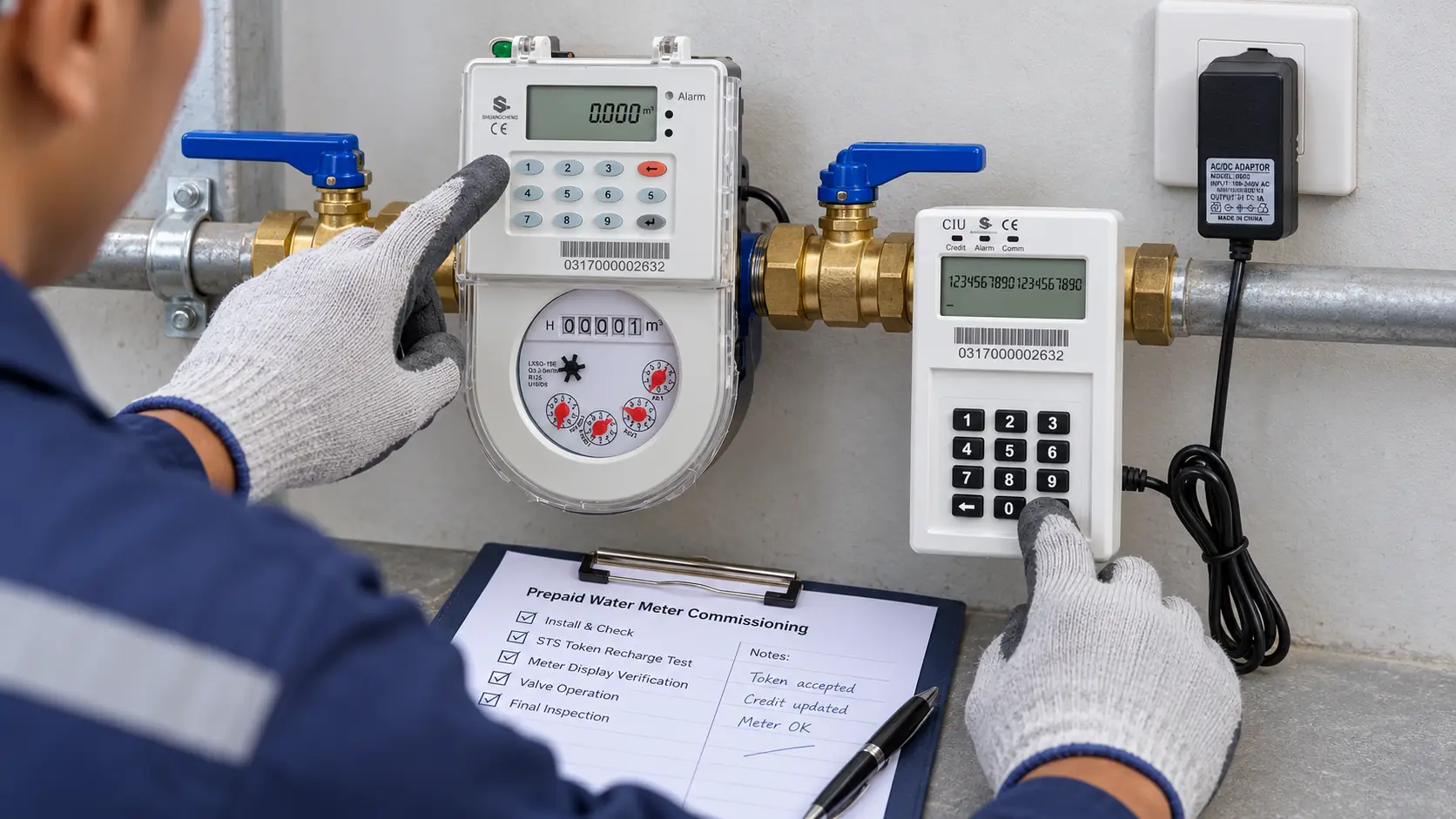
Use an authorized test transaction for the installed meter. Record the initial balance, purchase reference, expected credit, and time. Enter the 20-digit token through the interface specified for that configuration, then check the acceptance indication and the new balance. Keep live tokens and security credentials out of public logs and photographs.
Reconcile the balance change with the vending record, allowing for any documented deductions and water consumed during the test. If the token is accepted but the amount differs, check the credit unit and tariff configuration before repeating the transaction. Save the actual result, display response, and operator identity alongside the transaction reference.
Run these checks on a test account or controlled commissioning setup, following the authorized vending procedure:
XT815 displays distinguish token acceptance, already-used tokens, and tokens outside the valid range. Capture the actual status rather than treating every rejection as a keypad error. If the customer-facing workflow includes a receipt or recharge history, confirm that its meter identity, amount, and transaction reference agree with the commissioning record.
Arrange an authorized interruption and establish the expected shutdown and restoration behavior before operating the valve. Under the approved test procedure, issue a close command or simulate the configured low-credit condition. Check the valve indication and verify that sustained downstream flow stops after residual water has cleared.
Recharge and confirm that the meter opens under its configured rules. Observe actual water delivery as well as the open icon. Record the command, starting balance, closing result, recharge result, and final state. Where remote valve operation is enabled, repeat the relevant test from the platform and verify that the command reached the intended meter.
Il XT815-M mechanical prepaid water meter includes magnetic-interference protection. If an alarm prevents reopening, remove the interference and follow the authorized error-clearing token procedure. Do not treat this protective response as proof that the recharge failed, or bypass it simply to obtain a passing result.
For the documented XT815 configuration, function code 103 plus Enter triggers valve detection. Confirm code applicability before use. Missing open and closed indications can point to low voltage, a stuck valve, or a connection problem. Record the symptom and refer repairs to trained personnel instead of repeatedly cycling an unresponsive valve.
Before maintenance, isolate both sides, drain the pipe, and confirm there is no pressure. Do not unplug circuit-board connections while powered. After repair, repeat the failed test and retain both results. If the valve indicates closed but water continues flowing, investigate the valve and possible bypass paths before accepting the meter.
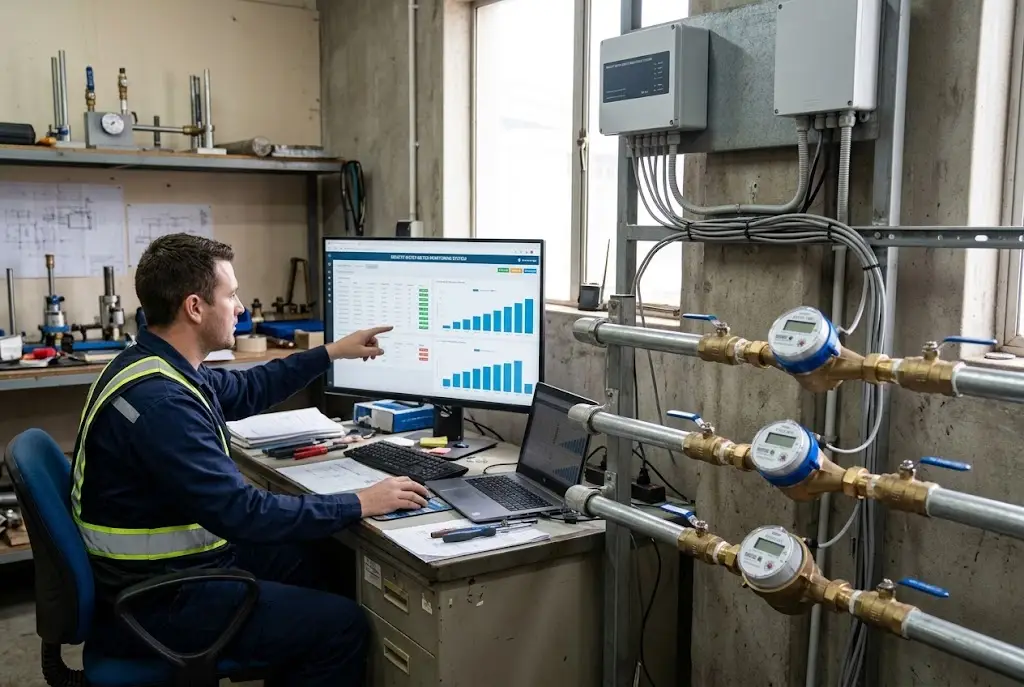
Treat communication as a separate acceptance step. Communication protocols, data formats, and interface specifications can differ between manufacturers. Confirm device registration, the payload definition, displayed units, timestamp handling, and the link between the meter and platform asset. A packet visible at a gateway is only one part of this check.
Verify a normal reading and, where supported, a status event and recharge record at the receiving platform. Compare each with the meter’s local state. The XT815 function code 102 plus Enter is documented for supported 4G or NB-IoT configurations; confirm the correct reporting procedure for a LoRaWAN variant instead of assuming the same code applies.
During an authorized communication interruption, check whether local measurement continues and what information becomes available after reconnection. Local retention does not by itself establish automatic replay of every missed interval. Record the exact firmware, retained data, recovery behavior, and unresolved gaps so that operators know what a later network outage will require.
Give the receiving operator a commissioning record that contains enough evidence to repeat a failed check. Include the following items and attach photographs where useful:
Demonstrate the display pages, token entry, balance check, valve indication, and fault-reporting process. Ask the operator to repeat the routine actions. Confirm the final operating state and customer balance before leaving, including how any test credit was handled. Keep the signed record with the asset so a later technician can reconstruct the installation.
Hold release if meter identity, transaction accounting, physical valve closure, or leak checks remain unresolved. A minor documentation item may follow an agreed completion date, but an operational defect needs correction and a recorded retest. Acceptance should identify who reviewed the results and who owns support after commissioning.
For a project configuration check, send Chenshuo your commissioning requirements with the meter model, pipe conditions, vending arrangement, communication method, and required acceptance tests. Ask for confirmation of the applicable operating instructions and token procedure before applying this checklist across additional sites.
Q1: What should be checked before commissioning an STS prepaid water meter?
A: Before commissioning, technicians should verify the meter model, serial number, installation direction, pipe connections, and initial readings. They should also check for leaks, confirm that the pipe is properly filled with water, and ensure the meter is correctly linked to the customer account. These checks help prevent installation errors and inaccurate transaction records.
Q2: How do you test token recharge on an STS prepaid water meter?
A: Start by recording the meter’s current credit balance. Enter an authorized 20-digit STS token using the designated input interface, then verify that the meter accepts the token and updates the balance correctly. Technicians should also test duplicate and invalid tokens to confirm that previously used or unauthorized tokens cannot add credit.
Q3: How can you verify that a prepaid water meter valve operates correctly?
A: Under an authorized test procedure, issue a valve-closing command or simulate the configured low-credit condition. Confirm that the valve closes and downstream water flow stops after residual water clears. Then recharge the meter and check whether the valve reopens according to its settings. Both the displayed valve status and actual water flow should be verified.
Q4: How do you verify remote meter readings before project handover?
A: For communication-enabled meters, confirm that the device is registered on the management platform and that its meter ID, consumption readings, timestamps, and supported status information match the local meter. Test communication recovery where required and document any missing records. Before handover, retain the commissioning checklist, test results, unresolved issues, and final operating status for future reference.
 Indirizzo: Xiao'anzi Industrial Park, Baishabu Town, Lanshan District, Linyi City, Provincia di Shandong
 Chiamaci ora:+86 15562945993
 E-mail:info@sdchenshuo.cn


Shandong Chenshuo Instrument Co., Ltd.